|
red5000 ®
  Стаж: 5 лет 6 месяцев Сообщений: 23 Откуда: Russia

|
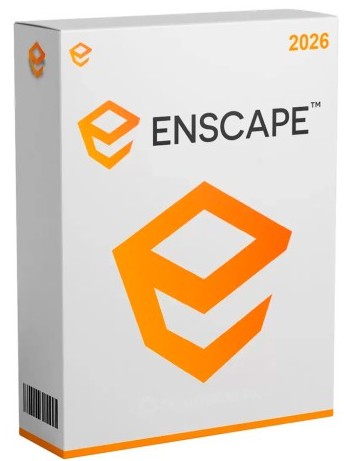
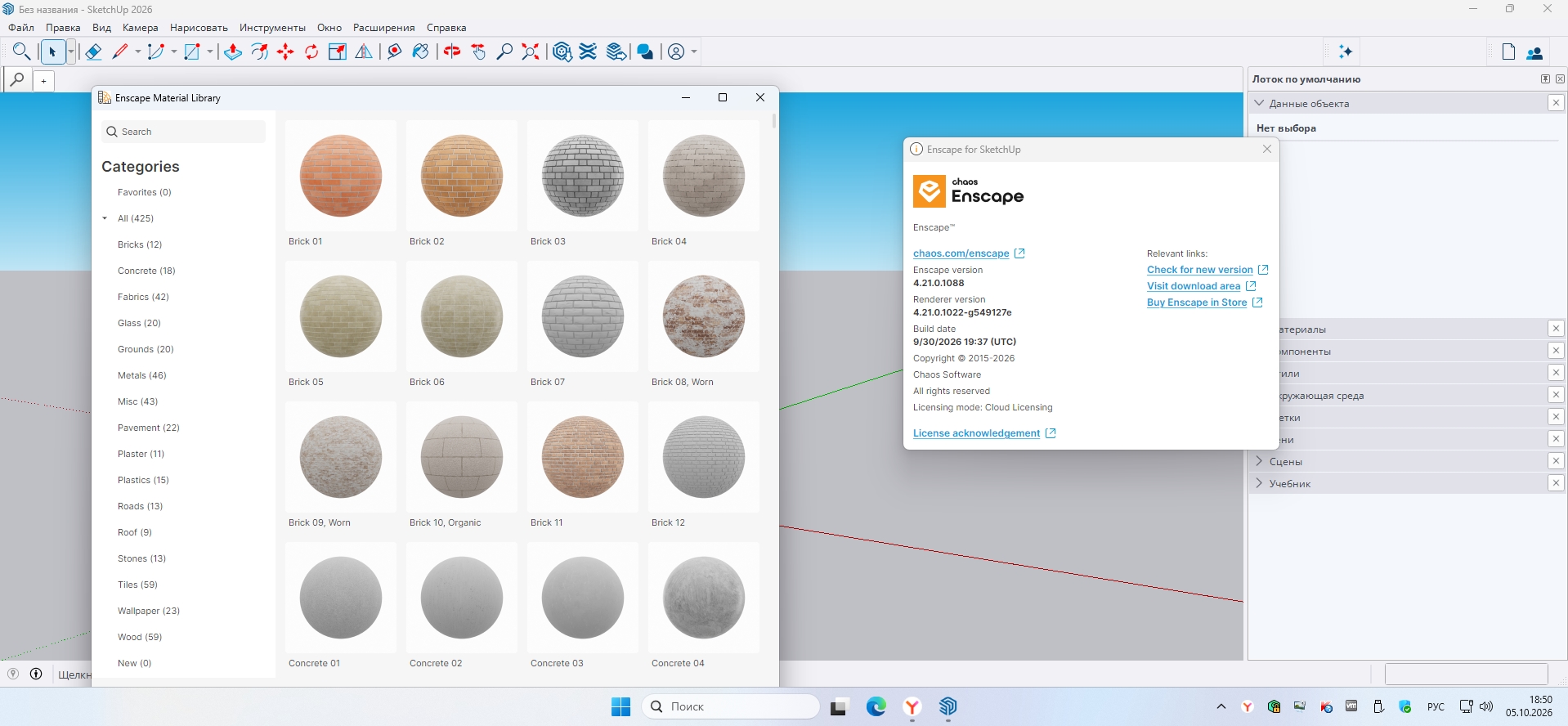
Chaos Enscape 3D
Год выпуска: 2026
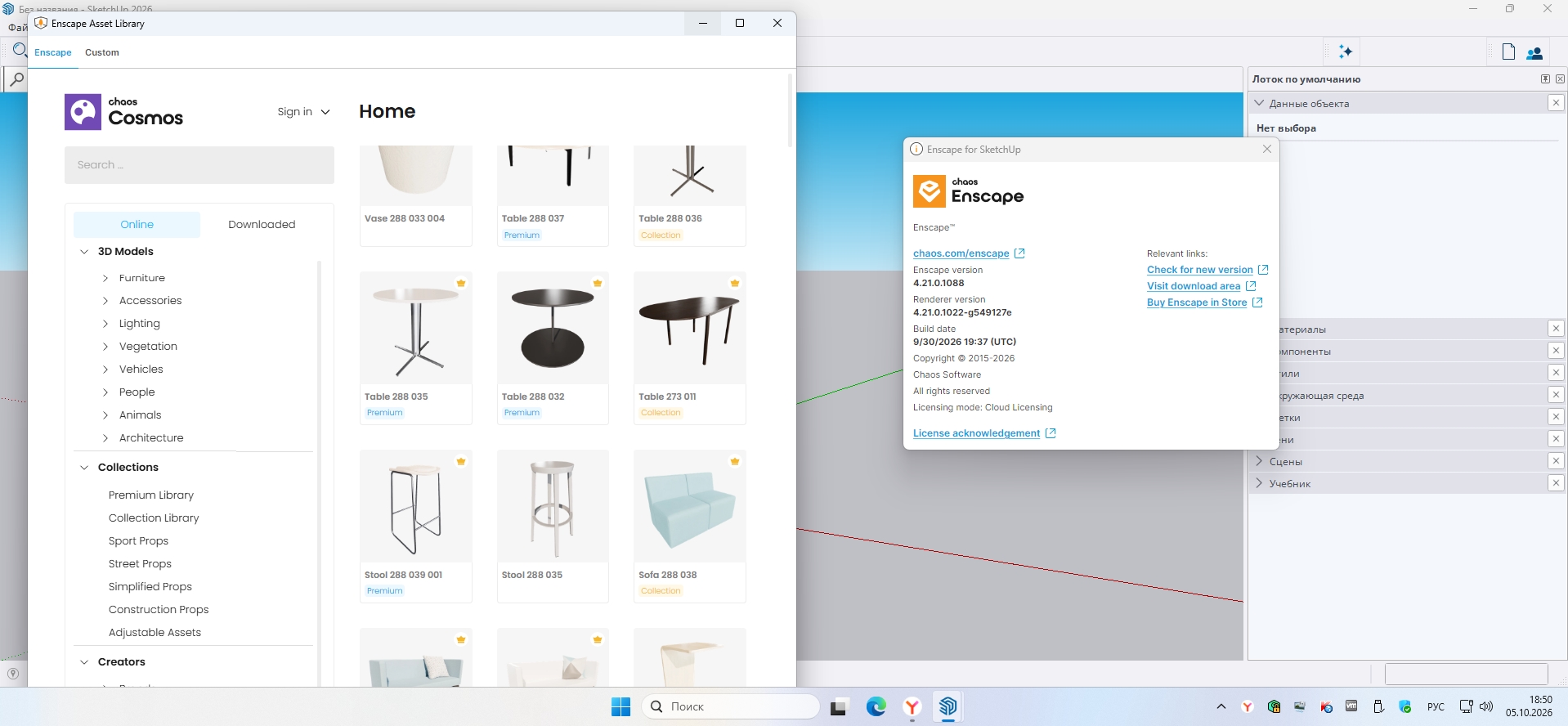
Версия: 4.21.0.1088
Разработчик: Chaos
Разрядность: 64bit
Системные требования:- Операционная система: Windows 10 и выше.
- Видеокарта: NVIDIA или AMD с 4 ГБ видеопамяти, поддерживающий Vulkan 1.1.
- ОЗУ: 8 ГБ или больше
- SSD накопитель
- NET Framework 4.5.2 и выше
- Visual C++ 2015-2019 Redistributable
- Vulkan Runtime
Язык интерфейса: Мультиязычный (русский отсутствует)
Таблэтка: Присутствует
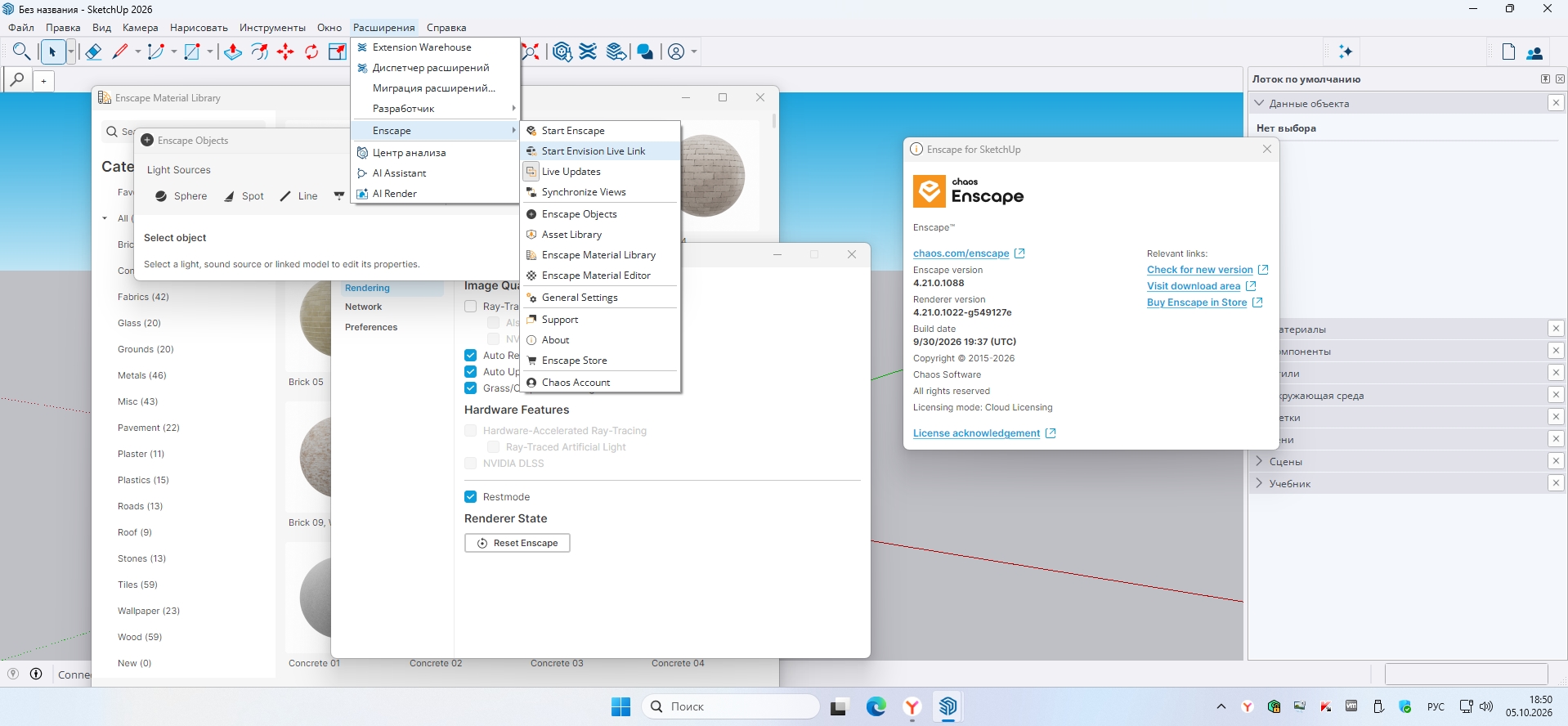
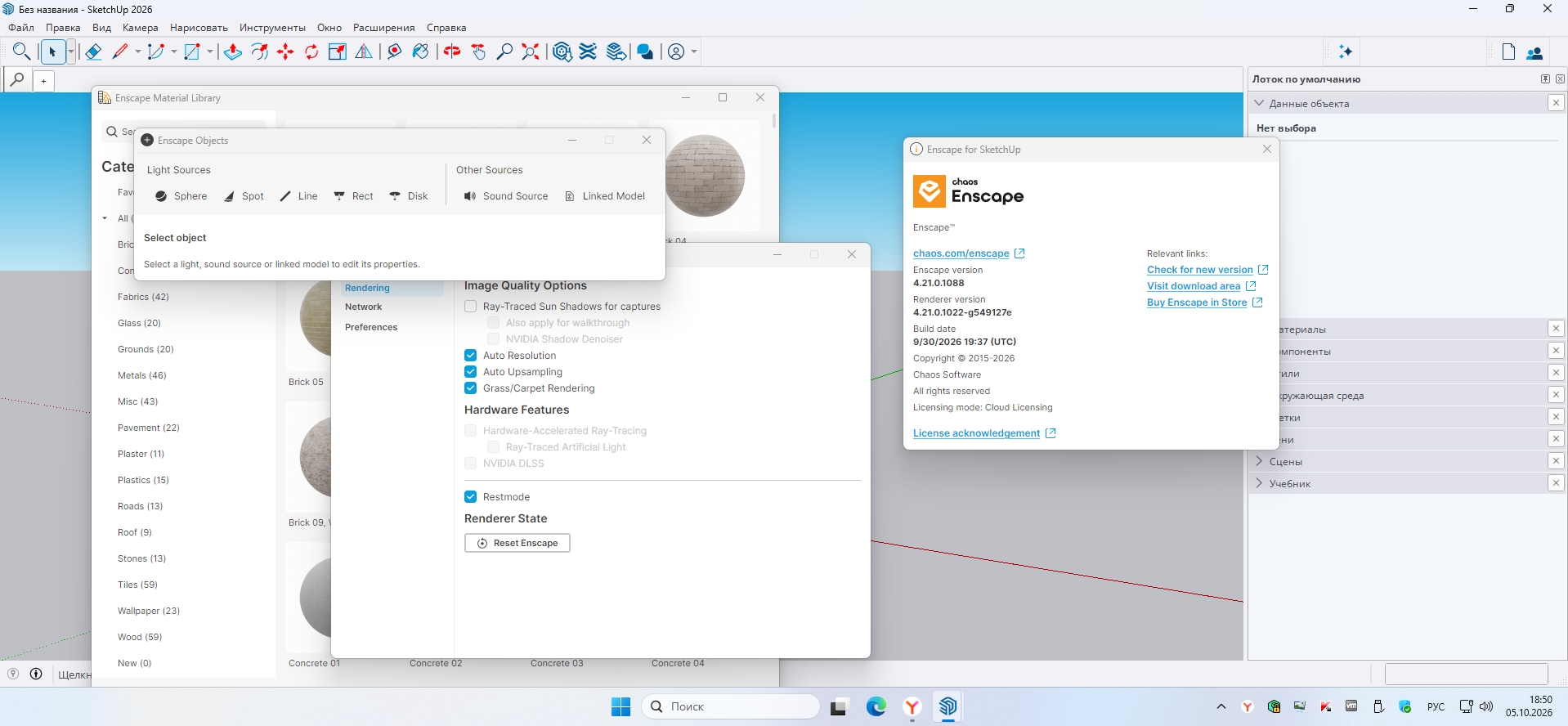
Описание: Enscape 3D - достаточно мощное ПО для 3Д-рендеринга, плюс присутствует функция визуализации и все это выполняется в режиме реальном времени. Создавалось все это дело для архитекторов всех уровней мастерства, продвинутых инженеров и специалистов в области строительства, все они могут создавать потрясающие 3D-модели, выполнять проходы и VR-визуализации своих проектов. Данный плагин, который легко интегрируется с популярными инструментами в области проектирования, такими как Revit, SketchUp, Rhino, ArchiCAD и Vectorworks, позволяя пользователям визуализировать свои проекты в режиме реального времени без необходимости экспорта или импорта файлов.
Программа предлагает ряд функций, которые делают его ценным инструментом для профессионалов в области проектирования. Одна из его ключевых особенностей - возможность рендеринга в реальном времени, которая позволяет пользователям мгновенно видеть изменения в своих проектах по мере их внесения. Эта функция значительно сокращает время, необходимое для создания высококачественных визуализаций, поскольку пользователи могут быстро вносить изменения в свои проекты и видеть результаты в режиме реального времени.Особенности:Софт дает вам возможность создания захватывающих VR-проектов. Всего одним щелчком мыши пользователи могут экспортировать свои проекты в виртуальную реальность, позволяя клиентам и заинтересованным сторонам изучить свои проекты в виртуальной среде. Эта функция обеспечивает инновационный и увлекательный способ для клиентов испытать свои проекты и получить лучшее представление о том, как проект будет выглядеть и ощущаться в реальной жизни
Программа предлагает ряд опций визуализации, включая фотореалистичный рендеринг, стилизованный рендеринг и различные варианты освещения, чтобы помочь пользователям достичь желаемого внешнего вида и ощущения от проекта. Программное обеспечение также включает библиотеку предварительно созданных активов, таких как мебель и растительность, которые могут быть легко добавлены в проекты для повышения их реалистичности
Приложение очень интуитивно понятное с простым и удобным интерфейсом, который позволяет пользователям легко начать работу и создавать высококачественные визуализации и VR-проекты. Кроме того, в программе имеется обширная библиотека учебников и документации, которая поможет пользователям освоить программу и получить максимальную отдачу от ее возможностей.
В целом - после установки вас ждет реально мощное и удобное ПО для 3Д-рендеринга и визуализации, которое предоставляет профессионалам в области дизайна инструменты, необходимые для создания потрясающих и захватывающих проектов. Возможности рендеринга в реальном времени, экспорт VR и простой в использовании интерфейс делают его ценным инструментом для архитекторов, инженеров и строителей, желающих воплотить свои проекты в жизнь.Поддерживаемые приложения:Revit 2024, 2025, 2026, 2027
SketchUp 2024, 2025, 2026
Rhino 7.0 and 8.3 (or later)
Archicad 27, 28, 29
Vectorworks 2024, 2025, 2026, 2027Что нового в 4.21.0.1088:Improvements
Cosmos: AI Assets Generator (Beta) – upload a reference photo and Enscape generates a textured 3D model from it, ready to place and edit directly in your scene like any other Cosmos asset. To reuse it later, find it under Downloaded > 3D Models > AI-Generated.
Rendering Performance: Ray-traced sun shadows and artificial lights now share their acceleration data instead of duplicating it, cutting GPU memory use and speeding up navigation and exports in complex scenes.
Renderer Host: Added a clearer loading message showing how many missing assets are being downloaded (X of Y) instead of leaving the progress bar looking stuck.
Custom Asset Library: Clarified the Configuration dialog in the Custom Asset Editor with clearer directory guidance and warning messages.
Cosmos: Cosmos Browser now starts automatically in the background when needed, removing a manual step.
Cosmos: Enscape now automatically detects and re-downloads Cosmos assets that are missing or only partially downloaded.
Chaos Assistant: Renamed Mood Match to Sky Match throughout the Chaos Assistant.
Version Compatibility: Enscape now warns when a CAD is running a beta/preview version, or a released version it doesn't fully support yet, with an option not to show the warning again.
Artificial Lights: Light icons for lights culled by a section box are now hidden instead of cluttering the view.
Rasterization: Reduced GPU memory usage for scene geometry by up to ~40% by allocating only the vertex data a model actually needs, freeing up memory for larger, more complex scenes.
Gridlines: Gridlines now use procedural lines instead of a stretched texture overlay, fixing distortion in non-16:9 aspect ratios such as portrait mode.
Capturing: Reduced peak memory usage during high-resolution image captures by reusing render targets more efficiently.
Vectorworks: Added support for Vectorworks 2027, including compatibility with its new OpenPBR material system.
SketchUp: Added preliminary support for the SketchUp 2027 Beta.
Fixed Bugs
Capturing: The .exe Standalone export now shows an error toast if the export was not successful.
Capturing: Fixed image rendering of the Current Camera using the wrong settings on export.
Capturing: Fixed Batch Rendering order differing from View Management.
Light Management: Light name changes in Archicad are now reflected in Enscape again.
Material Editor: Fixed the wrong material being selected in the Material Editor after importing an AI-generated material.
Material Editor: Fixed the Material Editor not reading 100% glass opacity correctly.
Material Editor: Fixed the Material Editor becoming unresponsive for a few seconds after replacing a material.
Asset Library: Fixed the Cosmos Asset Page resetting when switching tabs.
Asset Library: Fixed Enscape staying on the loading screen indefinitely when an asset package never finished downloading.
V-Ray Scene Export: Fixed some geometry missing from Revit railing and line families in the .vrscene export.
View Management: View Management now stays open when selecting a view from another document.
Site Context: Removed an error message that appeared when no values were provided to the Site Context translation.
Site Context: Fixed hiding a single element in Site Context breaking hiding/selection.
Site Context: Fixed Site Context placing surroundings next to the model instead of around it when the model footprint was rotated on the map.
Site Context: Fixed the Rotate slider in Edit Site Context turning the site context around its own center, which moved the model off its plot.
Enscape Impact: Fixed mouse clicks other than the left button selecting geometry.
Enscape Impact: Fixed the Thermal Comfort room type selector missing recommended types.
Enscape Impact: Fixed a hovered room and a selected room using the same highlight colour, making deselection hard to notice.
Cosmos: Fixed an error when opening a project with too many assets.
Standalones: Fixed exported standalones failing to open due to an unsupported window icon.
Chaos Assistant: Fixed a crash caused by repeatedly clicking the Chaos Assistant button before it had opened.
Chaos Assistant: Using a safe frame no longer displaces assets imported from the Chaos Assistant.
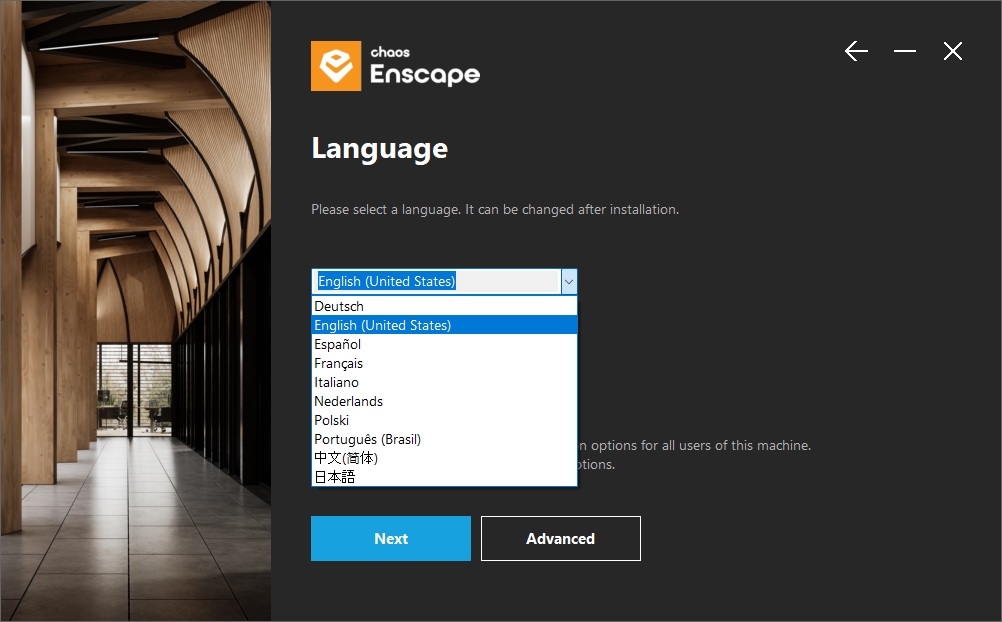
Installer: Fixed the language selected during installation not being applied to Enscape and the CAD menus.
Notification Center: Fixed a silent background crash in the Notification Center.
Asset Placement: Fixed orbiting around a room in Enscape Impact accidentally selecting it.
Asset Placement: Fixed light icons not responding to geometry changes unless the camera was moved.
Asset Placement: Fixed clicking an asset's edit gizmo sometimes selecting a different asset behind it.
Artificial Lights: Fixed GPU memory not being freed when ray-traced artificial lights or sun shadows were automatically disabled due to full memory.
Artificial Lights: Fixed the brightness of very small sphere lights when using ray-traced artificial lighting.
Artificial Lights: Fixed a brightness issue with ray-traced artificial lights when emissive materials were used.
Artificial Lights: Fixed inconsistent lighting when ray-traced artificial lights were disabled after exporting an image.
Spectator: Fixed broken camera movement after some window resizes with DLSS enabled.
Window System & Input: Fixed extreme camera movement on frame delays.
Revit: Fixed the Render Image (Into Document) command logging an error even though the image was saved correctly.
SketchUp: Fixed SketchUp becoming progressively slower when repeatedly editing a linked model placed using the Enscape Objects dialog.
SketchUp: Fixed an exception that could appear when a SketchUp page was erased via code and no page remained selected.
Vectorworks: Fixed a material's roughness and bump textures being applied to the wrong channels, causing surfaces to look bumpy or shiny in the wrong places.Процедура лечения:1.Установить Enscape-4.21.0.1088.exe
2.Скопировать файл: Enscape.License.Chaos.Native.dll из текущей папки.
В папку с заменой: C:\Program Files\Enscape\RendererHost

Похожие торренты
|


























![[Цитировать]](./templates/default/images/lang_russian/icon_quote.gif "Ответить с цитатой")


![[Профиль]](./templates/default/images/lang_russian/icon_profile.gif "Посмотреть профиль")
![[ЛС]](./templates/default/images/lang_russian/icon_pm.gif "Отправить ЛС")


